How Browser Agents Keep Multi-Step Workflows Alive Past Any Function Timeout Ceiling
Recorded steps, saved sessions, and VM snapshots let agents survive restarts.
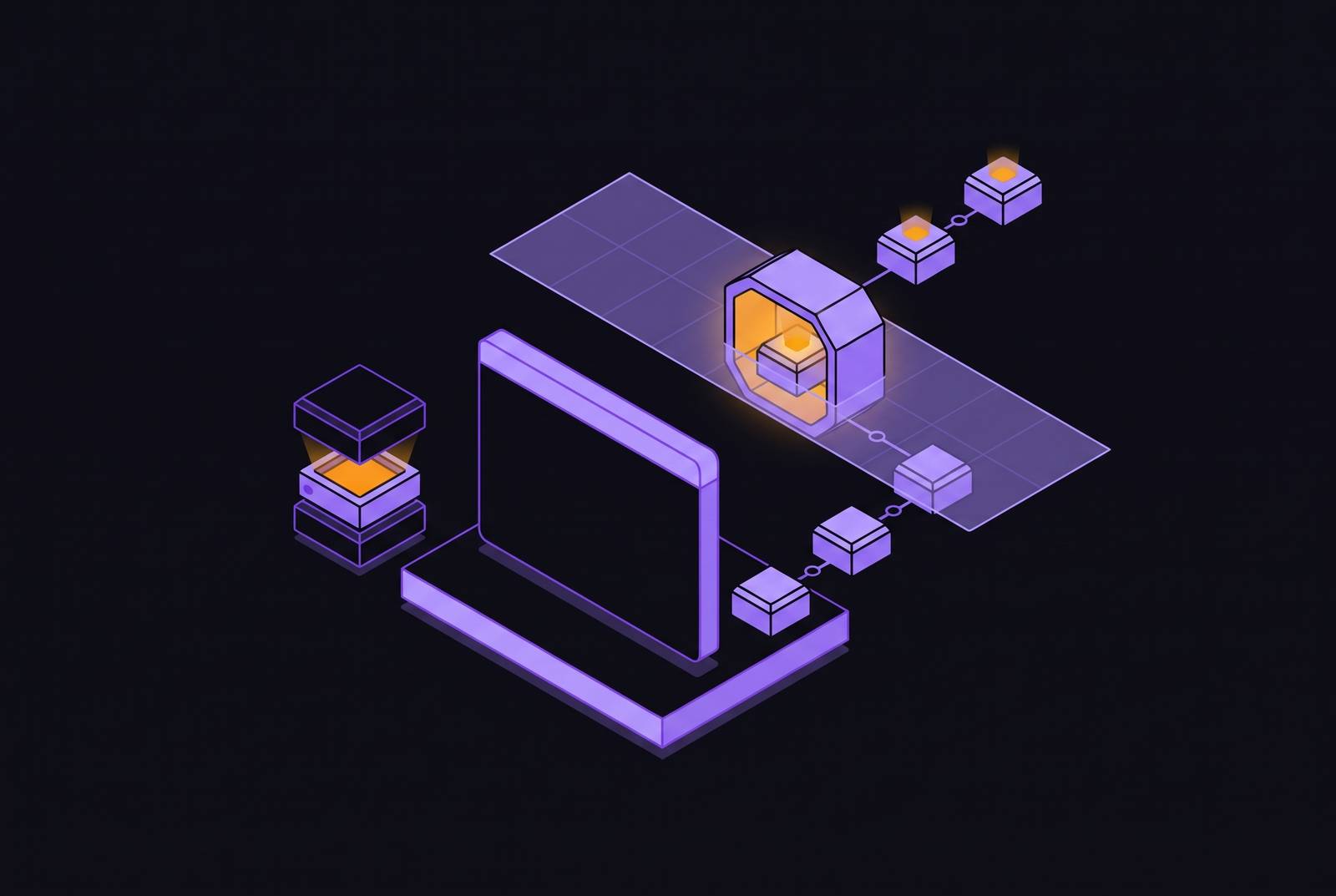
Serverless function timeouts are an infrastructure mismatch. Persistent AI agent infrastructure lets a workflow outlive any one worker by recording completed steps, preserving browser sessions, and restoring machine state when needed.
Why serverless functions are the wrong substrate for browser agents
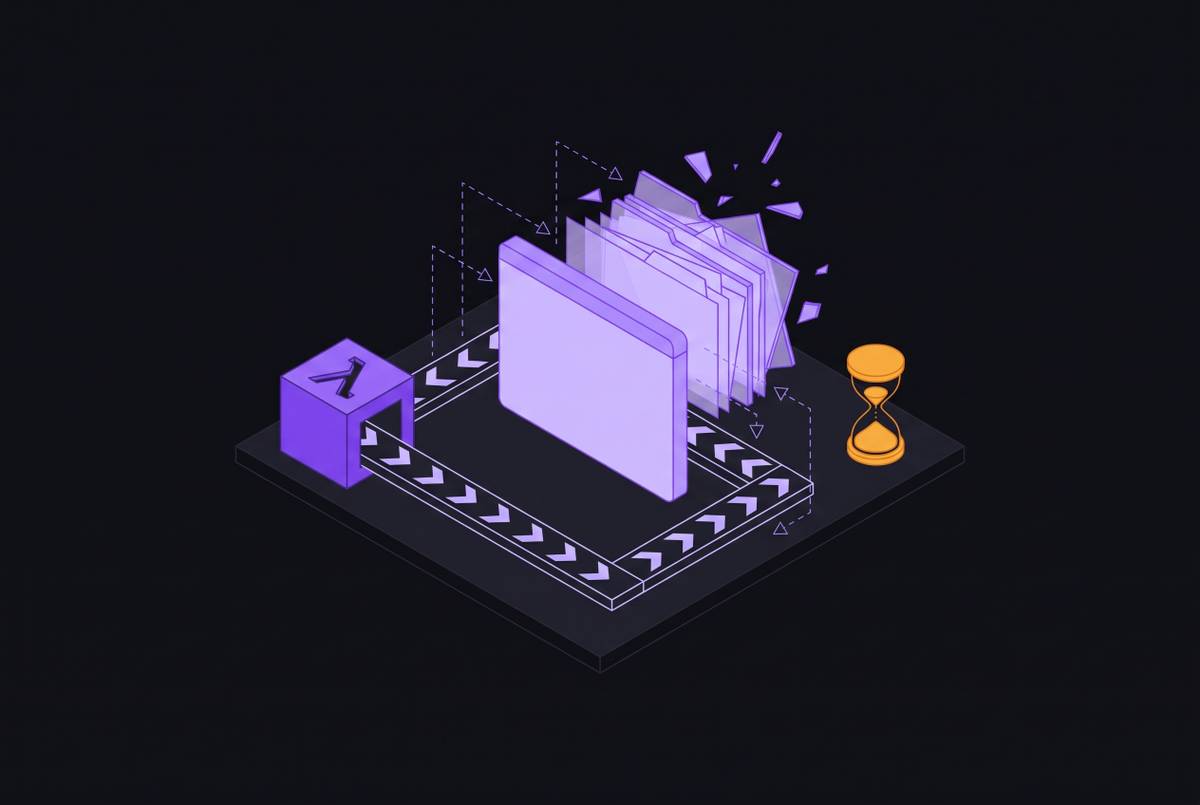
A browser agent uses an observation-action loop to work inside a live browser. It navigates, inspects the DOM, decides what to do, executes an action, and inspects the result. That loop repeats until the task reaches its termination condition. The task sets the duration. A short-lived worker imposes a separate deadline that has nothing to do with whether the browser has finished.
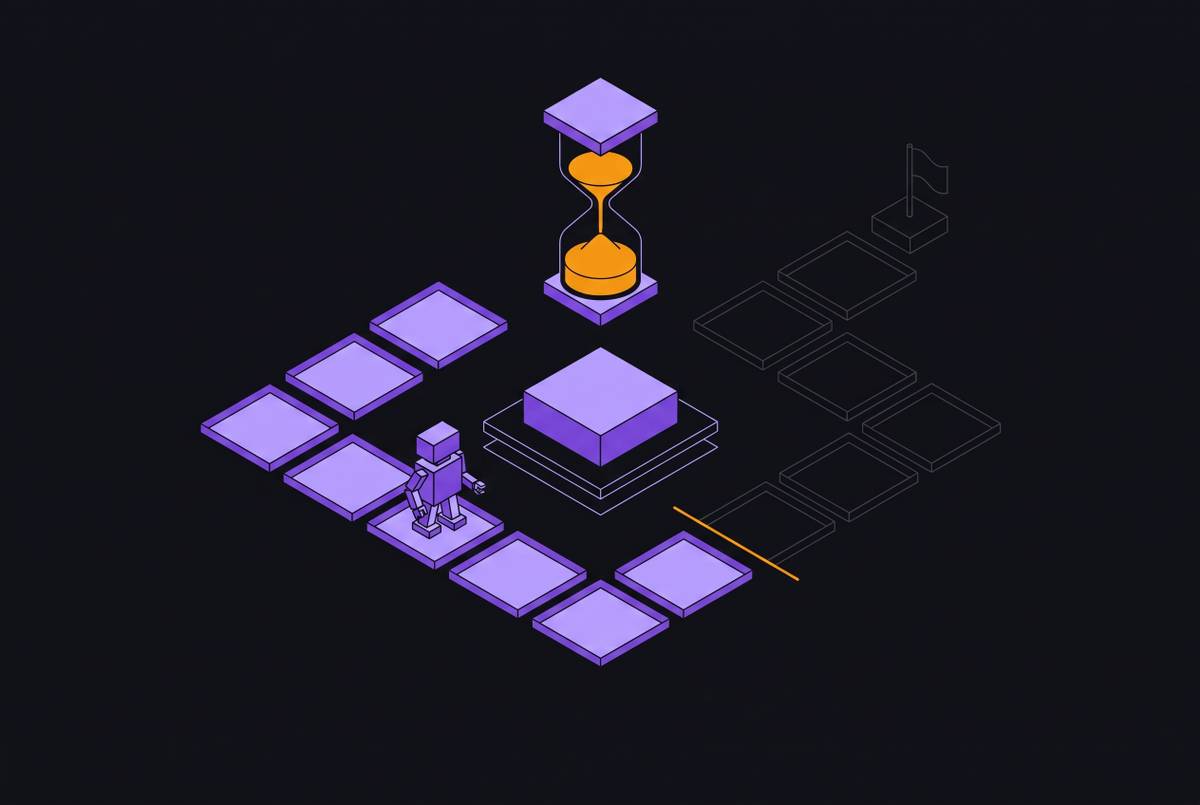
Each iteration may be cheap, but the time accumulates. A 20-step research run, a KYC flow waiting on human review, or a legacy-system automation touching three screens can outlast its worker. Human review makes the mismatch especially clear. The agent can have no work to do while the workflow still needs to remain open. A wall-clock limit counts time spent waiting just as it counts time spent doing the task.
Notte’s glossary describes the underlying failure across worker restarts, pod evictions, and cloud browser cycles. Without retained state, the workflow returns to its beginning. The interruption breaks the link between the agent’s progress and the process that held that progress.
What actually breaks when a long browser workflow hits a timeout
Notte identifies four classes of state lost on a worker restart, including workflow input, step outputs, browser state, and side-effect markers. The input explains what triggered the run. Step outputs provide the values that later steps depend on, while browser state includes the cookies, localStorage, and live session used to authenticate. Side-effect markers answer a different question. Did the agent already submit that form?
A form may already have been submitted, an email sent, or a database write completed, even though the restarted workflow has forgotten it. Replaying the action can therefore produce a duplicate. Lost progress and repeated effects are separate failures, and a restart can cause both.
Remote Browser’s production guide describes how a session is lost when a cloud worker restarts. The browser session disappears with its cookies, localStorage, and login state. Rebuilding that login may require several DOM interactions. Repeated authentication can also hit rate limits or CAPTCHAs, so the agent may still be unable to work after a restart. It can leave a completed write behind while putting a new obstacle in front of the next attempt.
Durable execution: the orchestration pattern that makes long workflows resumable
Durable execution moves workflow progress out of the worker’s memory and into recorded history. A checkpoint records a step’s input and output so that progress survives the process. Replay rebuilds workflow state from that history using recorded outputs. The workflow then picks up at the next unfinished step. Notte defines this recorded-step behavior as the essential property.
An idempotent step can run again without repeating its external effect. A side-effect marker records whether an action already happened so the workflow can skip doing it again. Retry repeats a step with the same input and expected output, but does not by itself preserve the workflow’s position through a full restart. Durable execution preserves that position, while browser orchestration can add coordination across sessions, parallel work, and state-machine logic.
Temporal popularized the pattern through deterministic workflows with recorded steps. Inngest puts durable steps inside a serverless handler, while Vercel Workflows applies the model to Next.js deployments. The limitation is treating one invocation as the lifetime of the entire task.
The engineering cost pays back when a restart must not reset a long run. That includes workflows that wait hours or days for human approvals and those that use browser actions, API calls, and database writes. Short workflows are a different case. When a run completes in seconds-to-minutes inside one process, durable orchestration can add complexity without enough benefit.
Persistent browser sessions: keeping the live session alive across worker restarts
A workflow log can record that login worked without keeping the authenticated identity that the next action needs. That identity depends on browser state, including cookies, localStorage, IndexedDB, and session tokens. The browser needs its own persistence layer.
Remote Browser describes a hosted session model in which a session is created once and a restarted worker reconnects through CDP. The profile stays intact, along with its cookies and localStorage. This avoids rebuilding authentication from the workflow log. It also makes profile separation explicit, since an agent using a legacy enterprise login needs a different context from an agent expected to start clean for every task.
Session recovery also needs a visible debugging surface. A text log may say that a click was attempted without showing whether it registered or opened an unexpected dialog. A viewport stream exposes that screen state. The same guide treats live viewing as a production requirement because a resumed agent can be connected yet still be looking at the wrong screen.
Micro-VM snapshots as the hardware layer for resumable agent state
Browser profiles keep application state, while micro-VM snapshots keep the execution environment that runs beneath it. Firecracker snapshots capture the guest’s memory image, vCPU registers, and device state, retaining the state that includes open file descriptors. This is a checkpoint of a running machine, allowing the process to continue without repeating its setup.
Pausing serializes that state to disk and stops the VM. Compute billing drops to zero while it is paused, and restoring maps the snapshot into a fresh micro-VM. Resume can happen in milliseconds, without a cold boot. The browser, its session, and the agent’s in-memory state return without re-initialization, making “sleep when idle, wake in under a second” an execution property.
The snapshot-restore mechanism also supports fast sandbox creation. A pre-warmed base image can be snapshotted once, with new instances restored from that image. The architectural distinction is kernel-level isolation combined with execution-state restoration. Restarting a shared-kernel container is not the same operation as restoring a guest’s running state.
Sandboxing the browser agent's generated code without killing its capabilities
An agent that writes and executes code creates another boundary to defend. Generated or user-supplied code may be unsafe even when it is part of a legitimate workflow. A vulnerability in its execution context can expose the host to remote code execution. Keeping state for a long time does not make that code safe to trust. Resumability therefore needs containment that does not depend on discarding the entire workflow.
For untrusted code that cannot be audited before execution, shared-kernel containers are not a sufficient isolation boundary. Firecracker micro-VMs give each workload its own kernel. Within that boundary, tiered isolation matches permissions to the capabilities the code needs. Each capability must be granted on its own, and the binding list contains the full capability set of the sandboxed worker. Keeping secrets outside the sandbox through an authentication proxy or equivalent prevents a compromised sandbox from exposing credentials held there.
Containment does not require a permanent code sandbox. A disposable sandbox can execute one step and then be destroyed after its output is recorded in the durable log. The next code step runs in a new sandbox. Workflow continuity belongs to the recorded history, so deleting an execution environment does not have to delete progress.
How the orchestration, session, and machine layers compose in a real workflow
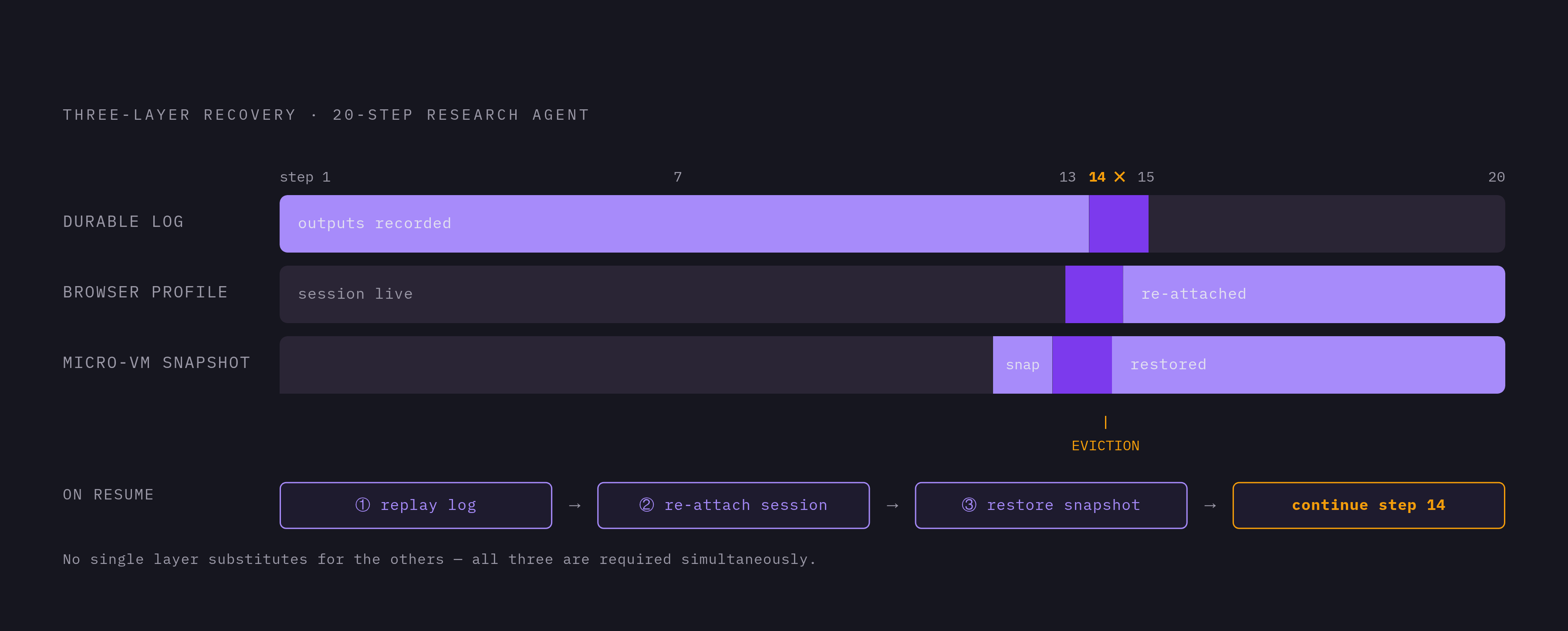
Take a 20-step research agent whose worker is evicted at step 14. Its durable log records the outputs of steps 1–13. Its persisted browser profile retains the authenticated session, while a retained micro-VM snapshot preserves the in-memory state from step 13. None is a substitute for the others when the workflow needs all three forms of continuity.
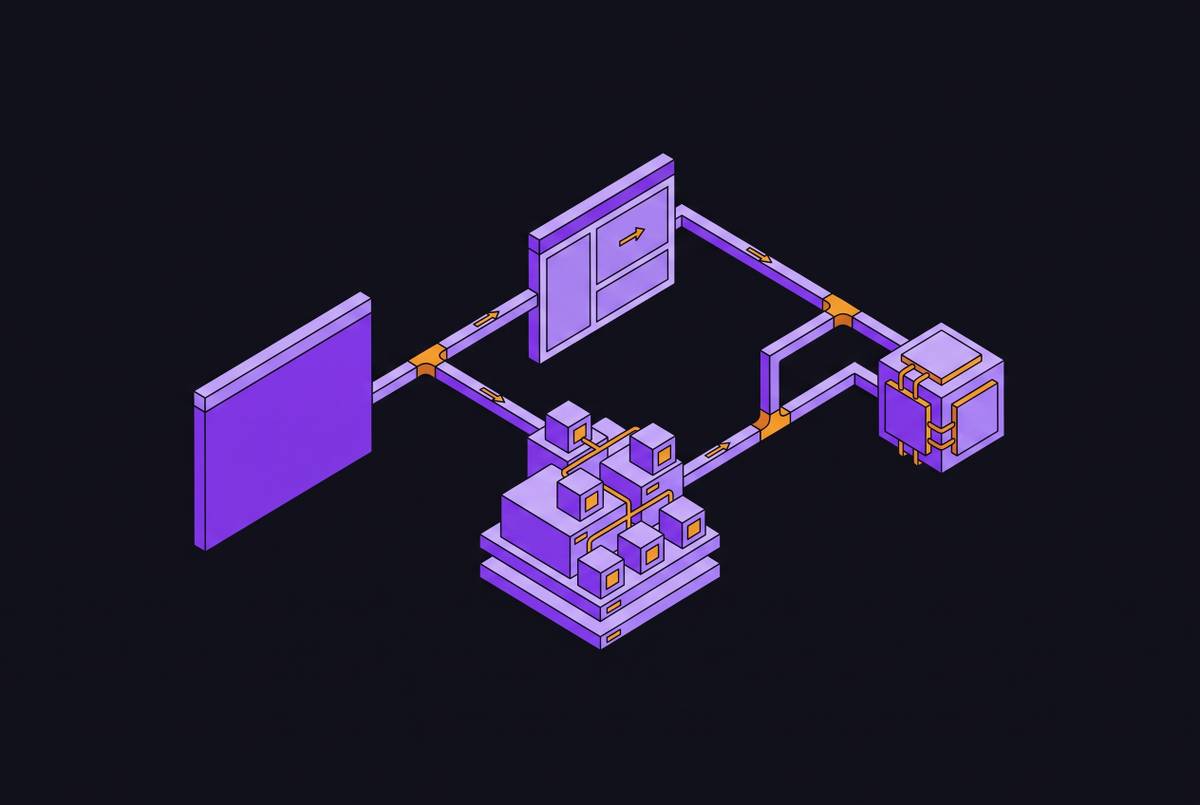
On resume, orchestration replays steps 1–13 using their recorded outputs. Recovery attaches to the persisted session and restores the machine snapshot before continuing with step 14. The log answers what happened and what comes next. The session supplies the browser context, while the snapshot restores what the machine was doing.
Notte’s integration pattern illustrates the division at step level. Each browser-primitive call becomes a step in a Temporal workflow, and Temporal records its output. When a worker restarts, replay skips the steps that are already done.
A human approval gate adds a planned pause. The workflow parks at the KYC approval or manual review step, and the VM sleeps during the hours spent waiting. Approval becomes the point at which execution resumes.
Where durable browser execution matters most: regulated workflows and legacy interfaces
Legacy desktop interfaces, EHRs, and Citrix environments often leave the graphical interface as the only usable route. Their workflows can be long, and restarting them is operationally costly. Citrix adds another session boundary to the problem. An agent driving a remote desktop inside a browser needs continuity both in the browser session and in the Citrix session within it.
Recovery from an unexpected screen is harder than recovery from a structured error code. The agent has to interpret the context before it can continue. A known-good checkpoint gives that recovery a defined starting point rather than forcing a complete replay through the interface. This is especially useful when earlier screens included actions that cannot safely be repeated.
In healthcare, HIPAA constrains how agents log and process PHI visible on screen. Reprocessing patient-data screens after a restart raises audit-trail concerns beyond the cost of repeating work. Checkpoint-and-resume supports continuity, but it is not itself a compliance claim. The handling of screen content remains a separate constraint on the system.
The same execution problem appears in lending, insurance, and property management. Loan origination systems, policy management platforms, and DMS products are frequently desktop-only or Citrix-hosted. Their interface constraints make multi-step recovery important even without generated code. The need comes from the workflow’s length, state, and consequences.
Matching the right machine type to the workflow's durability requirements
The practical decision starts with how long the workflow lasts and what must survive interruption. Does it finish in seconds to low minutes inside one process? A local or short-lived hosted session is sufficient for that case. For runs lasting many minutes to hours across worker lifecycles, a persistent hosted browser session is required and durable orchestration is recommended. If state must survive a full machine restart, session persistence on its own cannot keep the whole execution environment.
Next comes the cost of repeating an action. Read-only scraping and research often need only retry, without side-effect markers. Write workflows have a stricter requirement. Each form submission, data-entry action, or transaction needs an idempotency marker so that replay does not duplicate it. Even a short run can make writes with consequences, so how long it takes cannot be the only basis for choosing the architecture.
Generated code changes the isolation requirement. Without generated code, session persistence and durable orchestration can be sufficient. With generated or user-supplied code, the appropriate pattern is a disposable sandboxed VM per code step, deleted after completion. The log retains the output.
Hours-to-days workflows need durable step tracking and micro-VM snapshots or an equivalent pause mechanism, with desktop takeover available when needed. Fully autonomous runs need restart recovery but can do without a separate human-wait primitive. A workflow waiting four hours for approval should not pay for four hours of compute. Its progress must remain available while the machine is stopped, which is precisely the distinction a single function invocation cannot provide.